Ask anyone who regularly initiates or approves job changes in Workday what they think of the process, and you will get a consistent answer: it is too long, and it asks for information that has nothing to do with the change being made.
The default Change Job business process includes every sub-process for every reason, and most organisations have never tailored it.
The result is a one-size-fits-all process that fits nobody particularly well. Most live with it. The friction gets absorbed into how people work, the workarounds become a habit, and nobody stops to ask whether it needs to be this way.
The 2026R2 release gives you a reason to stop and ask.
What is changing in 2026R2
Workday is making Change Job Templates mandatory.
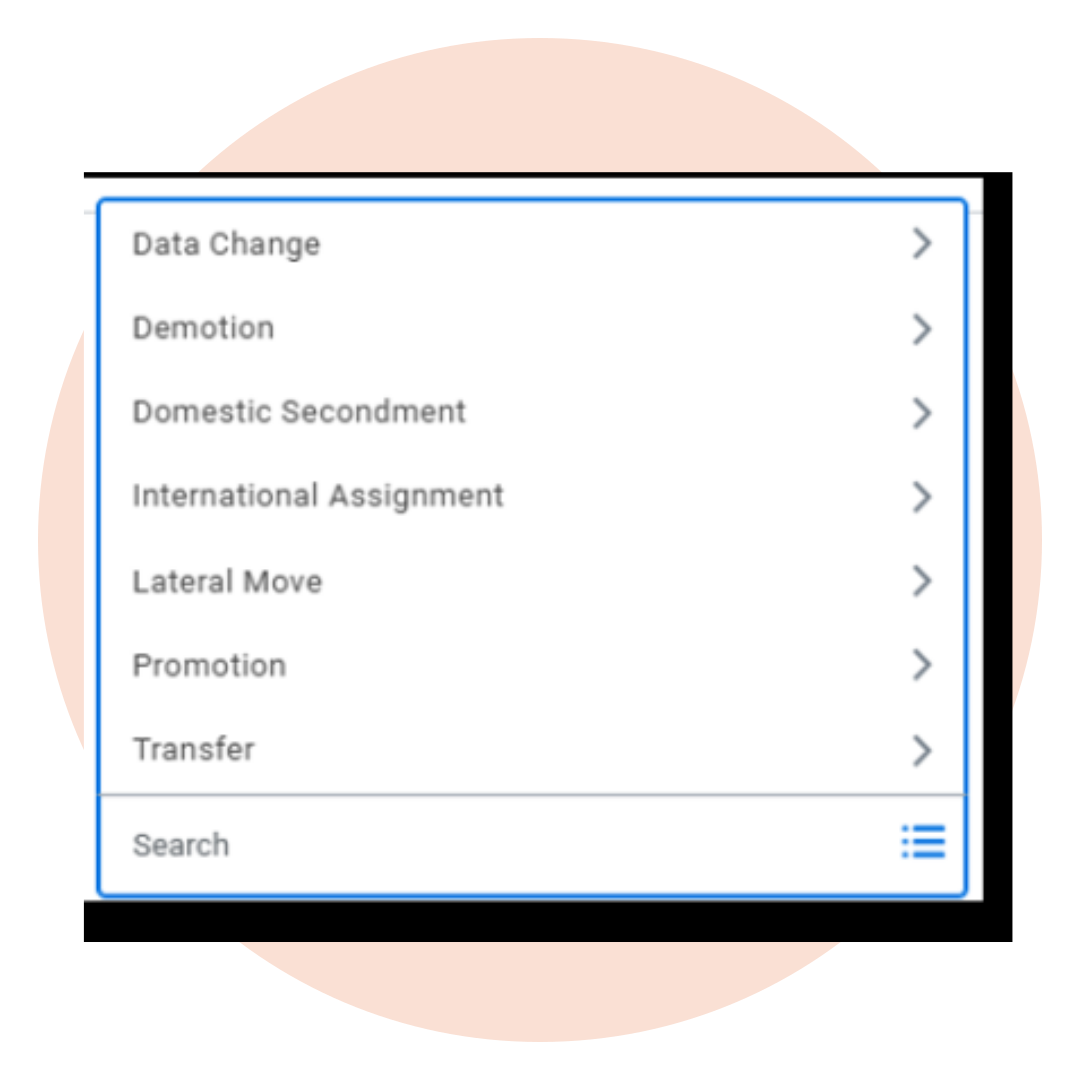
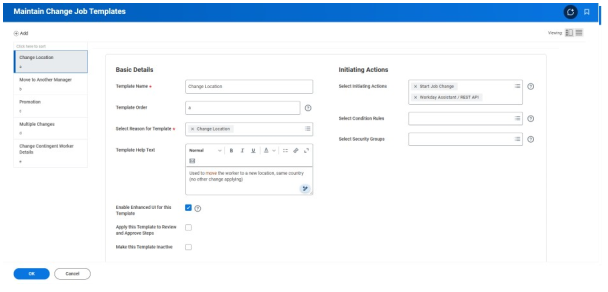
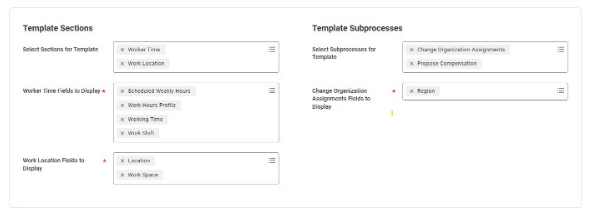
Templates have existed in Workday for some time and allow you to define a specific set of fields and sub-processes for each change job reason. They tailor the screen to the type of change being made. For a location change, only the relevant fields, such as location and manager, would be displayed. For a promotion, you would expect to see position, manager, and compensation. Everything else is removed from the screen.
Some organisations have already configured these. For them, the mandatory change will have no effect. For organisations that have not configured templates, Workday will apply a generic default. That default will include every sub-process for every reason. In other words, nothing changes except that the process is now mandatory rather than just the default. The friction stays. The irrelevant screens stay. The workarounds stay.
About Preos
At Preos, we help our clients get the most out of Workday. We ensure your organisation is using the platform to its full potential and getting the best possible return on your investment.
Learn MoreWhat a well-configured process looks like
When Change Job Templates are set up properly, the experience changes for everyone involved. The person initiating the change sees only the fields that matter for that specific reason. No scrolling through sections that are not relevant. No filling in information that is not going to change.
The process reflects what is happening. The approving manager sees a review screen that shows only what changed. Not a full list of every field in the worker record. Just the thing they are being asked to approve. This sounds like a small improvement.
In practice, it removes a significant amount of noise from every single job change that goes through the business.
The opportunity
Beyond the time saving, there is a more significant opportunity.
Many organisations’ change job reasons have accumulated over time without much thought. New reasons get added as the business changes, others become redundant but stay in the system, and over time, the list grows unwieldy.
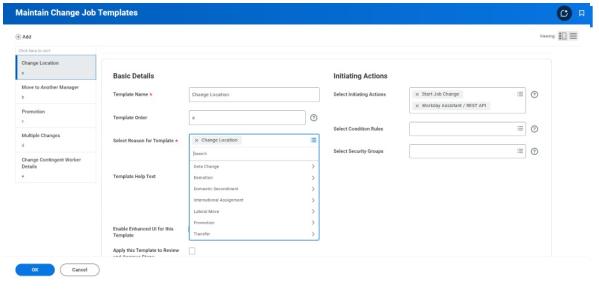
Building templates requires you to look at that list properly. Which reasons do you use? Which ones overlap and could be consolidated? Which ones need a genuinely different process, and which are near-identical?
This is the kind of foundational work that rarely gets prioritised in the day-to-day, and the mandatory deadline gives you a legitimate reason to do it now. The organisations that manage their change job templates will come out with a cleaner, more coherent process.
How to configure Change Job Templates
Once you have decided what each template should include, the technical work of building it in Workday is relatively quick. A small group of people who understand both your HR processes and your Workday configuration can manage it without needing to involve the wider organisation.
The more challenging area is the thinking beforehand. Getting agreement on how change job reasons should be structured, which sub-processes genuinely belong in each template, and what the process should look like for the people using it.
There is also a change management piece that is easy to underestimate. When templates go live, the change job screen looks different to everyone who uses it. That might be HR, line managers, or both. People notice when a familiar process changes, even when it changes for the better.
Getting ahead of that means thinking carefully about who needs to know, what they need to understand, and how that lands across the organisation before go-live.
The case for acting before the deadline
Waiting until 2026R2 lands and then configuring templates under pressure is possible, but not ideal. You will be doing the thinking about your change job reasons at the same time as managing a release, and the quality may suffer.
Configuring templates now means you can test them properly, gather feedback from the people who use the process, and refine before it becomes the mandatory method. It also means you are not inheriting a generic default even temporarily.
Where to go from here
If you want the technical details on how to configure templates in Workday, we have put together a guide covering everything from the Maintain Change Job Templates task through to testing and refining.
If you would rather talk through what this looks like for your specific organisation, get in touch with our team.
How to configure Workday change job templates before the 2026R2 deadline.
A step-by-step guide to configuring Workday Change Job Templates — including how to structure your reasons, which sub-processes to include, and what to think about before you go live.